

EZ Pre-Certification & Certification Applications
Two required steps that unlock Enterprise Zone tax credits for eligible business activities — complete both correctly to claim credits on your Colorado state return.
Pre-Certify First
Annual Pre-Certification is required before beginning eligible investments or activities — credits only apply from the date of approval forward.
Certify After Year-End
Certification documents eligible activities performed during the Pre-Certification period and generates the certification for your tax filing.
Confirm Your Address
Use the OEDIT mapping tool to verify your business location is inside the South Metro Enterprise Zone boundary before applying.
Three Steps to Claiming Your Credits
Both Pre-Certification and Certification happen through the OEDIT online portal. Here's how the process flows from start to finish.
Pre-Certify
Annual Pre-Certification is required for each business location before beginning eligible investments or activities. Credits generally only apply from the date of approval forward — not retroactively.
Certify
After your tax year ends, complete Certification to document eligible activities performed during the Pre-Certification period and generate the certification for your tax filing.
Submit
Tax credits are claimed by filing the approved EZ Certification with your Colorado state income tax return. Keep all documentation for your records.
Need to confirm your address first? Use the OEDIT mapping tool to verify your business location is inside the South Metro Enterprise Zone boundary before applying.
Check Your Address →Pre-Certification Application
Complete before beginning eligible activities for the tax year
Certification Application
Complete after your tax year ends, before filing your return
EZ Application Tutorial
Step-by-step walkthrough for completing Pre-Certification and year-end Certification
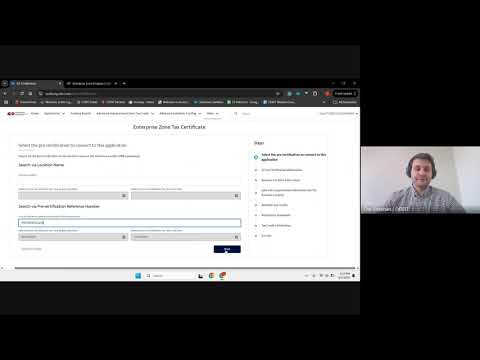
Click the thumbnail above to watch the full walkthrough on YouTube. The tutorial covers both the Pre-Certification and Certification processes in the OEDIT portal.
Watch on YouTube →Questions? Contact Naomi
President & CEO, Aurora Chamber of Commerce
Reach out with general questions about the South Metro Enterprise Zone program or the application process.
EmailFor time-sensitive questions about eligibility, documentation, or filing, please consult your tax professional.
This page provides general information and is not tax or legal advice. Program requirements may change. Confirm current requirements with the State of Colorado and your tax advisor before proceeding.